Coding an Artsy New Web App
Practising full-stack software development skills has been fun over vacation for doing mental exercise. I made a new web app!


Practising full-stack software development skills has been fun over vacation for doing mental exercise. I made a new web app! I'm often fond of doing new projects to keep my mind in shape, and building this web app has helped me hone my skills for work, too.
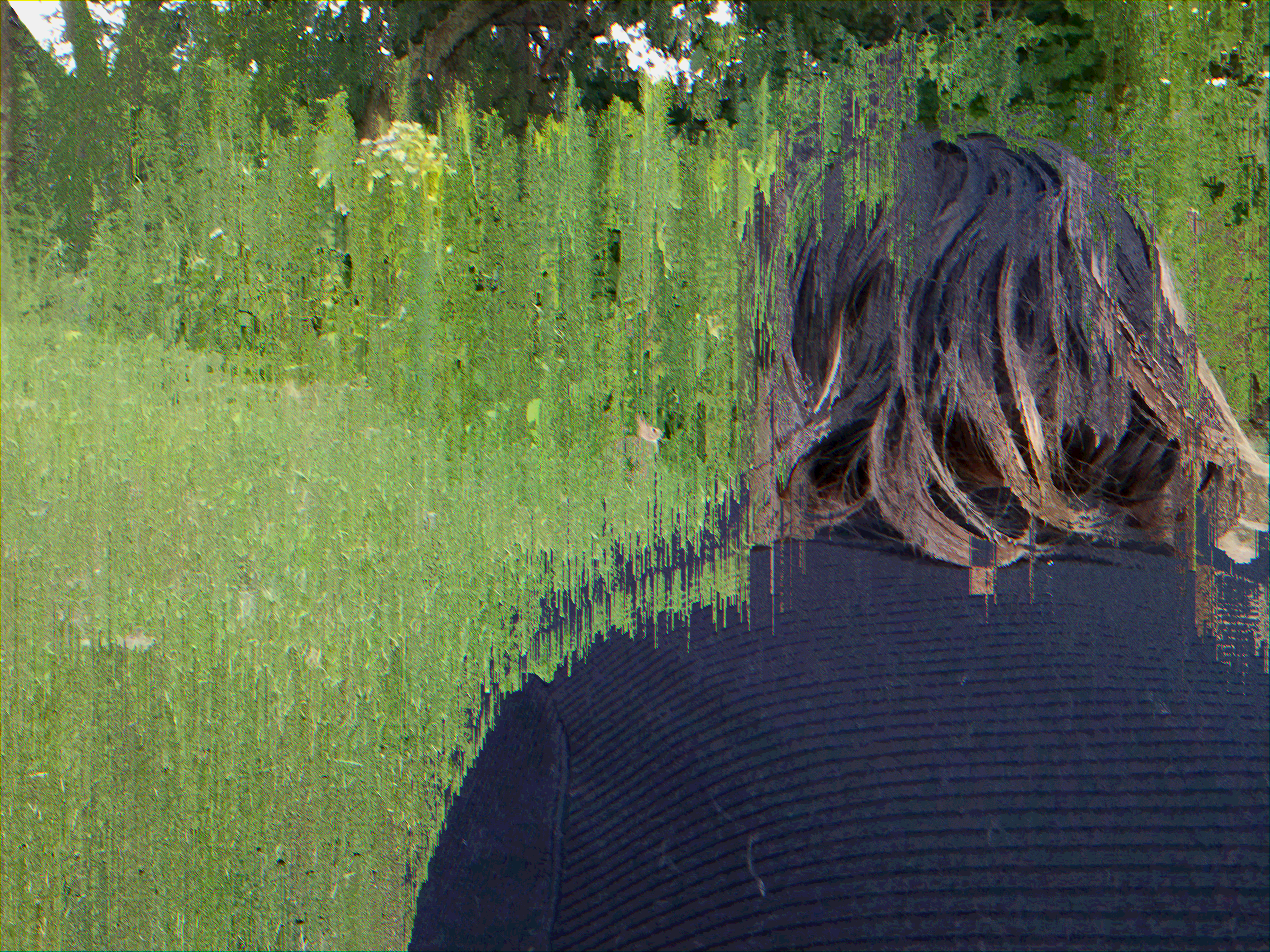
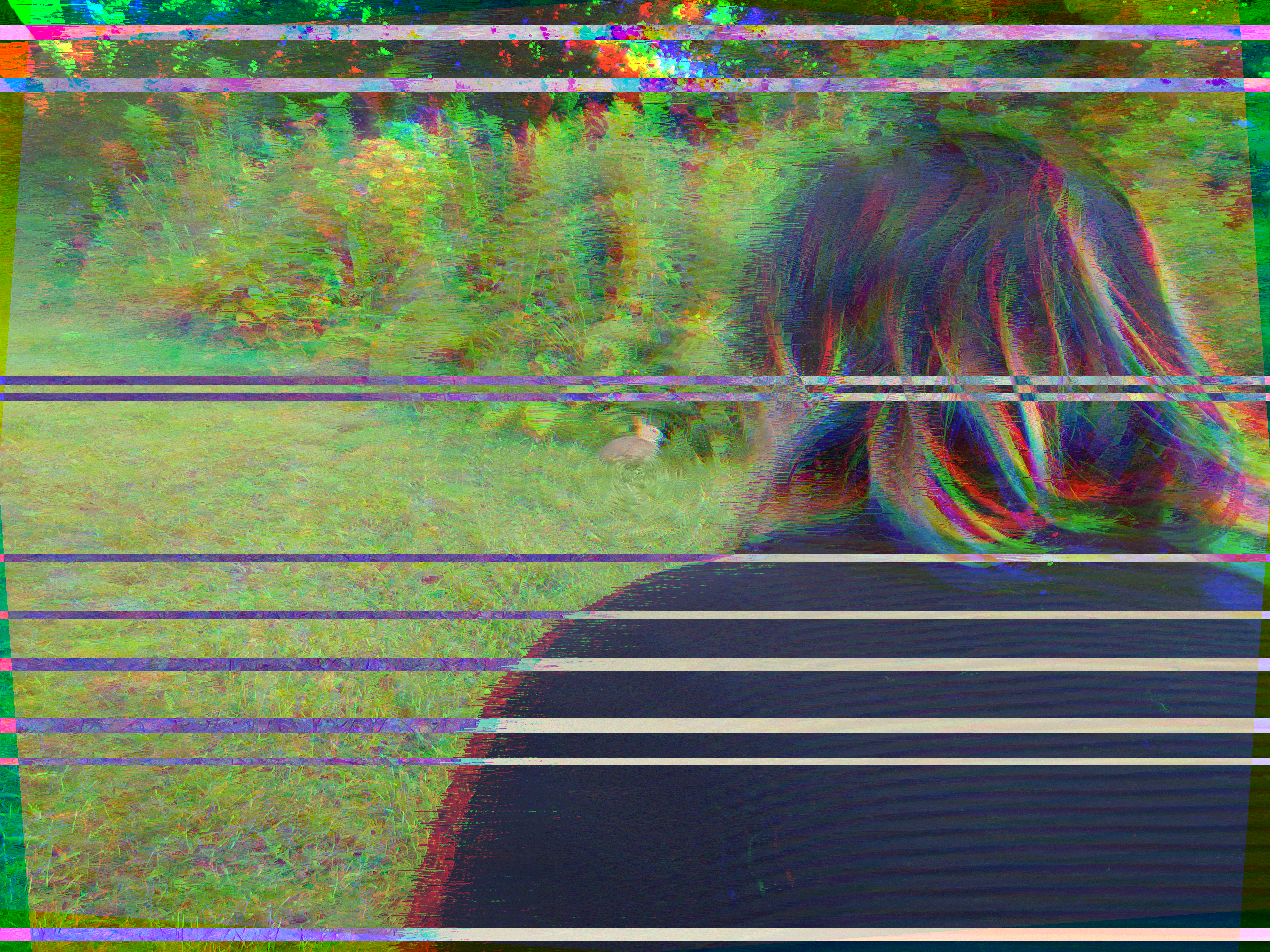
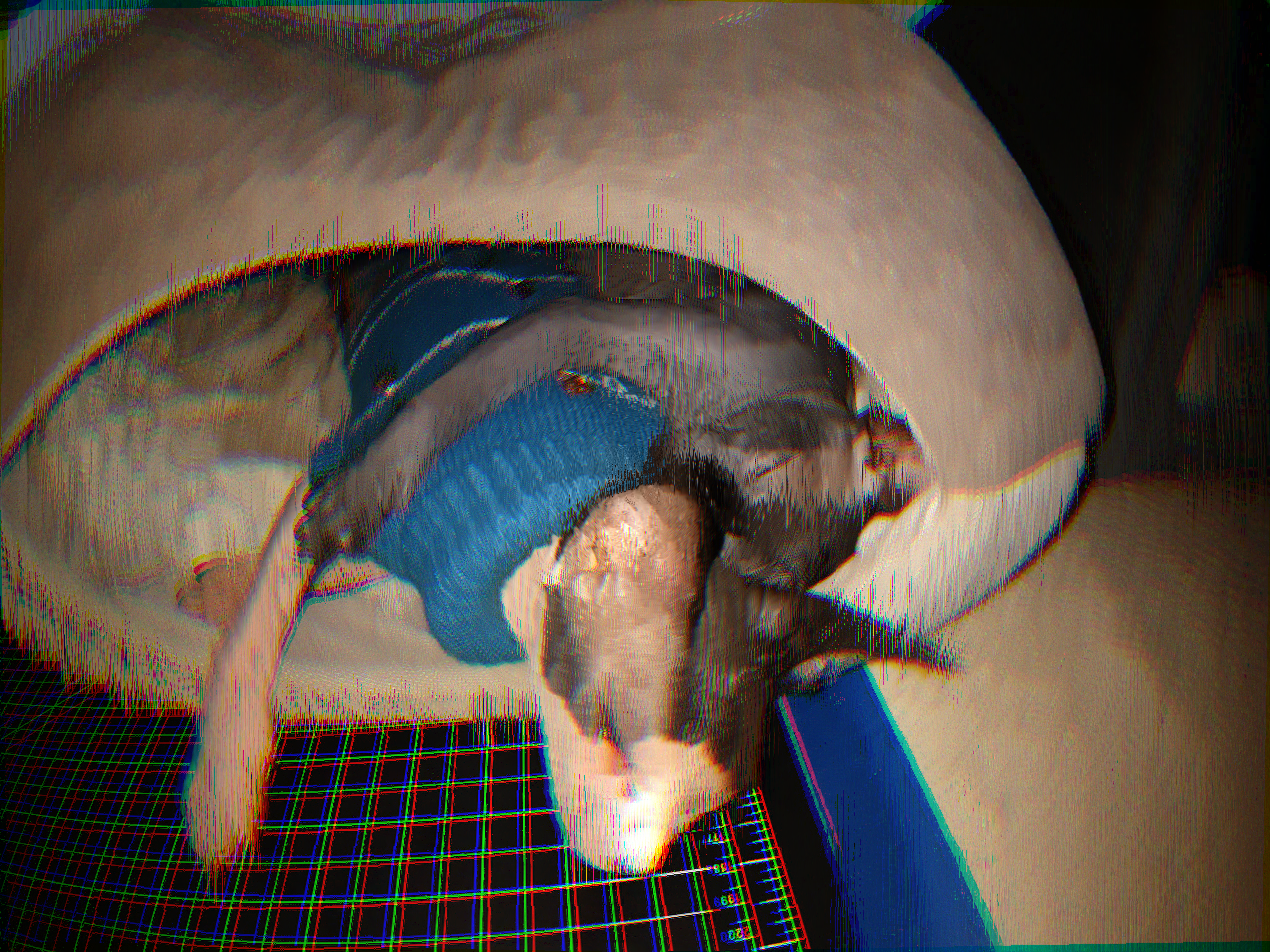
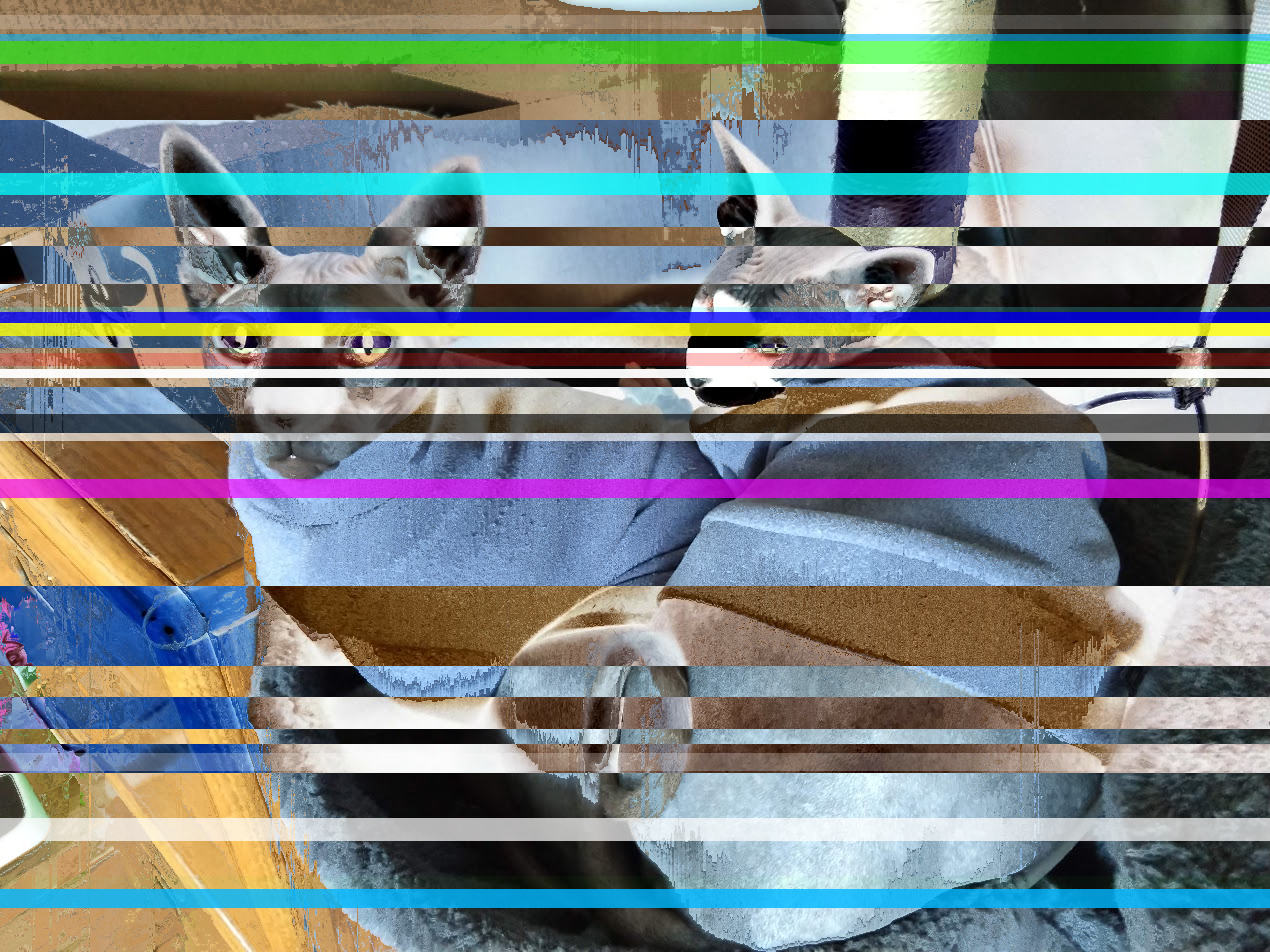
This project in particular takes input images, a list of filters, and creates glitchy-looking result images.
Gallery
Before boring everyone with the technical details, let's look at some of the resulting glitchified output:
Architecture
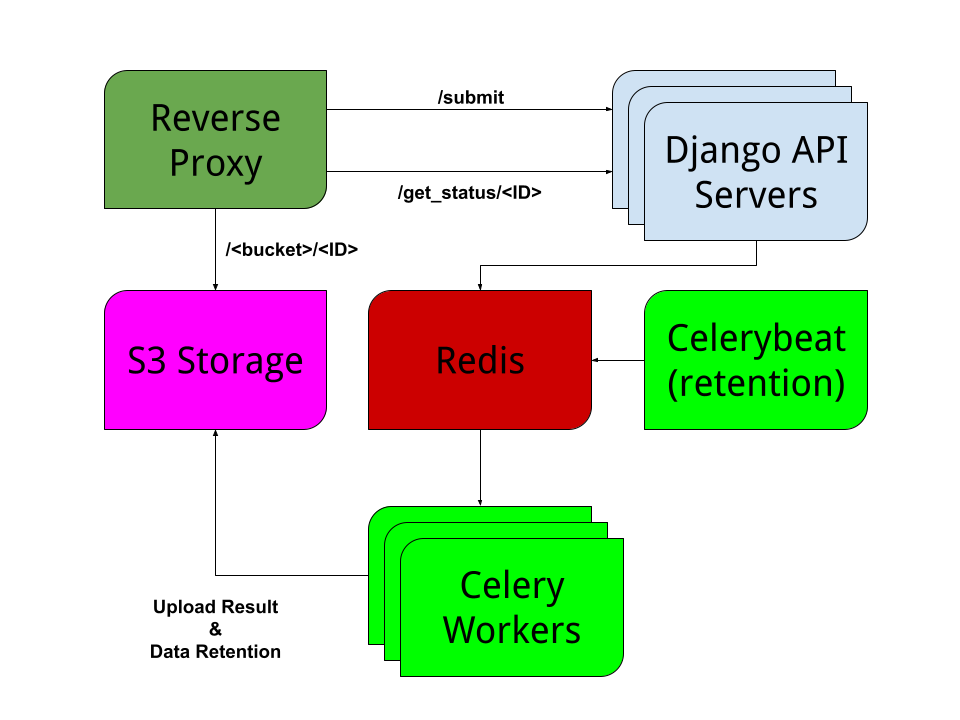
Here's the short and simple explanation of the app:
A user submits an image to be glitchified with /submit. The Django API adds a new asynchronous task to Redis. The front-end polls /get_status/<ID> for a while until the task completes and returns the address of the glitchified result image. The client then fetches the address of the result image from the S3 storage and displays it on the canvas.
Once the task is submitted to Redis, an available Celery worker picks up the task. Inside the celery worker, my glitching module processes the image with Pillow and numpy. Then it uploads the result to S3 and updates Redis that the task is complete.
On the side, celerybeat is essentially a cronjob that adds tasks to delete old images from S3. Note that every box in the diagram is a separate Docker container.
Planning and Tech Stack Choices
Going into this project, I had several technology choices pre-conceived:
I wanted to see how modern interactive front-end development felt, and libraries/frameworks didn't suit my use-case. So I chose Svelte 3, which compiles to vanilla JS, and is especially well suited to small, but highly interactive experiences.
For the web server, since I'm a Pythonista, I wanted to test out Django. Considering how little I'm using of Django, I would likely be better off using Flask. But I've used Flask before, and I wanted to get a feel for Django.
I also knew going into this project that I wanted something incredibly scalable. I work in a world of containers and Kubernetes. I've left plenty of places to scale out services as needed, but the biggest decision contributing to this is the asynchronous task queue infrastructure.
I did a lot of research before deciding on Celery. Prevailing opinions were that Celery was difficult to tune and learn, but worth learning despite the complexity.
For my project, Celery is completely overblown, no way do I need it. I definitely agree that it is complex and poorly documented and has complex interactions between configuration options.
If I were to make this project over for an ideal experience, I might've chosen a simpler async task queue program, like Redis Queue or something. Ultimately, though, I wanted to learn a new system and Celery works well for that.
Initial Front-End Development
Rather than starting with the backend structure, I wanted to work on the more interesting front-end stuff to get a feel for Svelte 3.
I also used Bootstrap 5 and a Bootswatch theme for CSS:
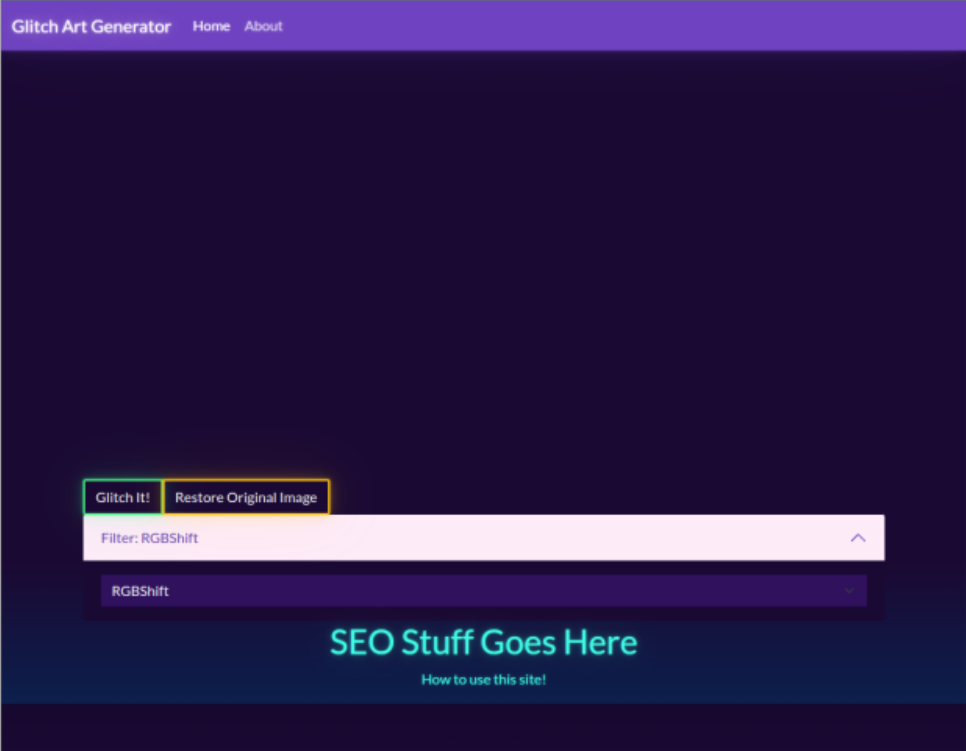
Once I had the mock-up of the site's main workflow, I started working on the highly interactive interface:
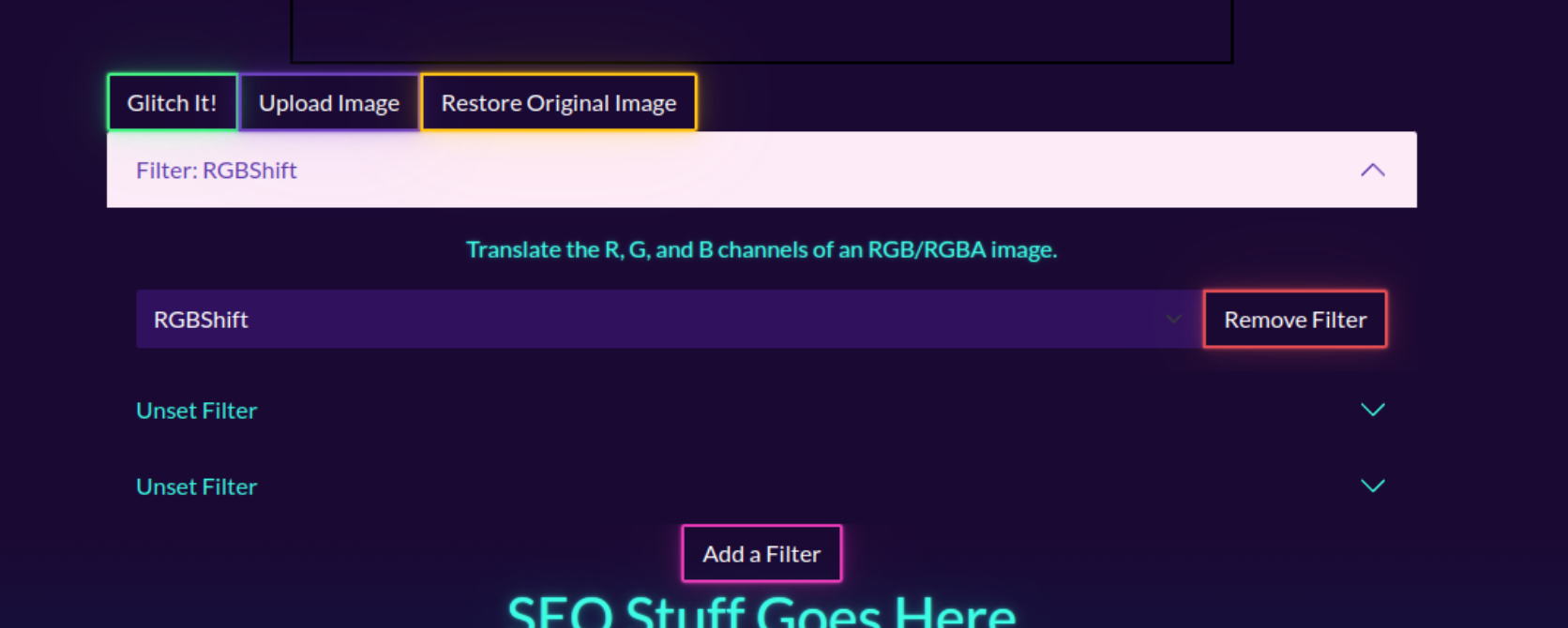
Overall, I loved my experience writing Svelte 3. It's easy to pick up since I already had my core JS, CSS, HTML skills.
Unlike other libraries and frameworks, I didn't have to learn a steep amount of specific boilerplate and patterns.
I can't praise Svelte 3 enough, and I can't wait to use it at work to build components.
Developing the Full Stack
After a certain point of front-end development, I wanted to make sure that the backend idea would actually work. After all, why spend a bunch of time chasing diminishing returns on the front-end when I can be agile and make a minimum viable product?
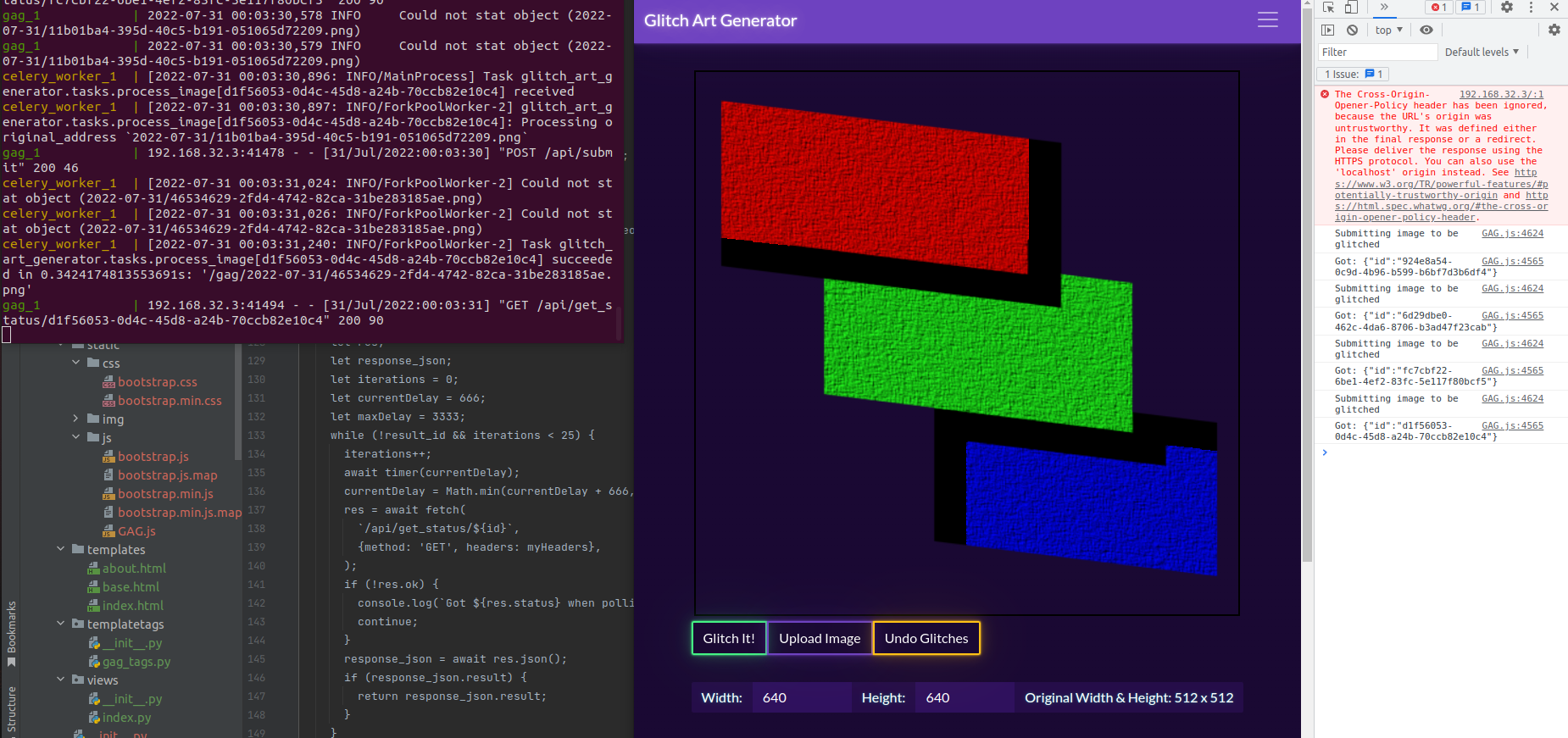
The above photo showcases a working API response cycle. Clicking the glitch button results in /submit followed by /get_status/<UUID> being polled until it returns a successful JSON response.
Once the API cycle worked, I needed a way of displaying error messages to the user:
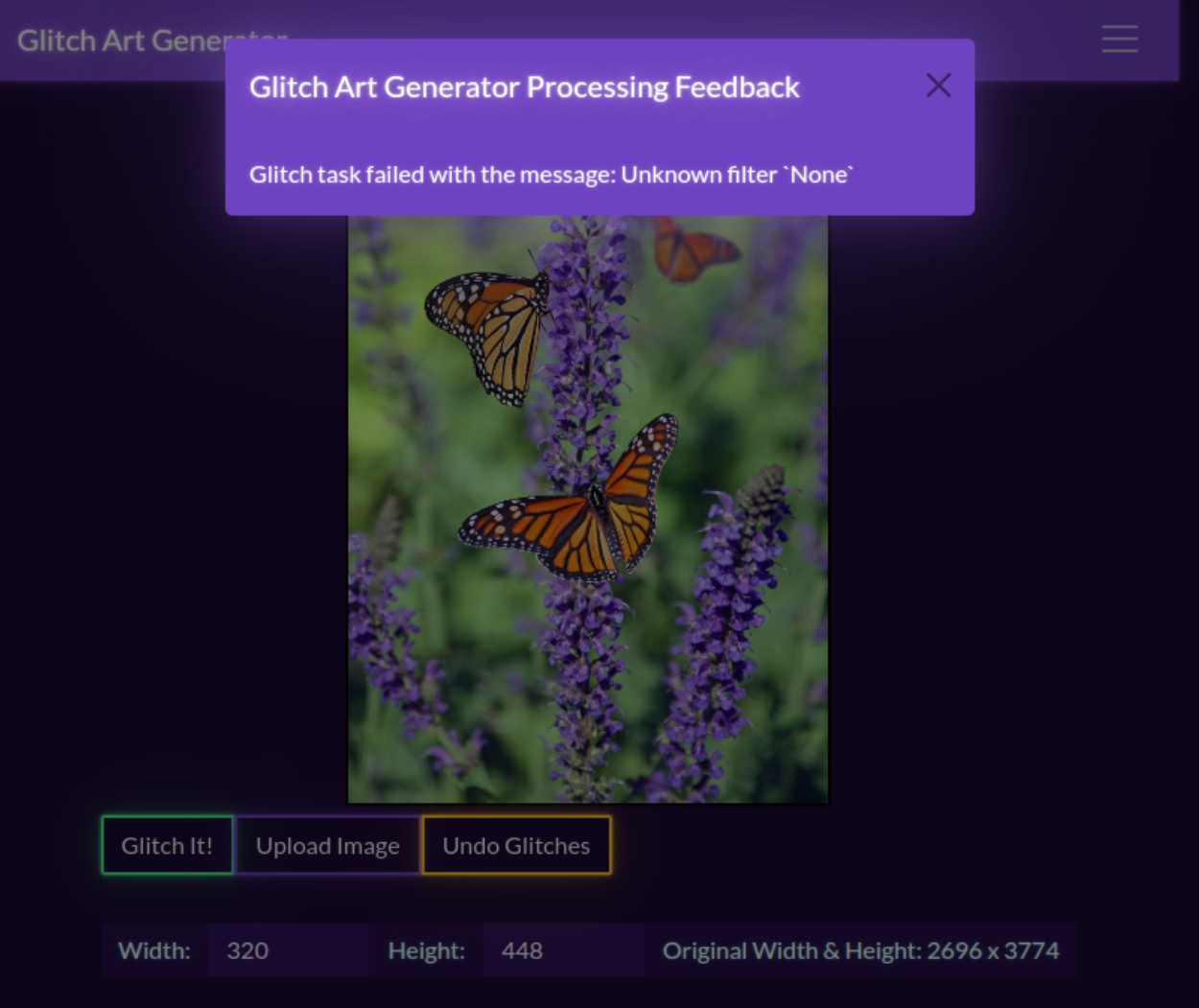
Then came the task of implementing more filters for the backend. I tried making a pixel sort first, a very classic glitch art rite of passage.
Well... there were some bugs:
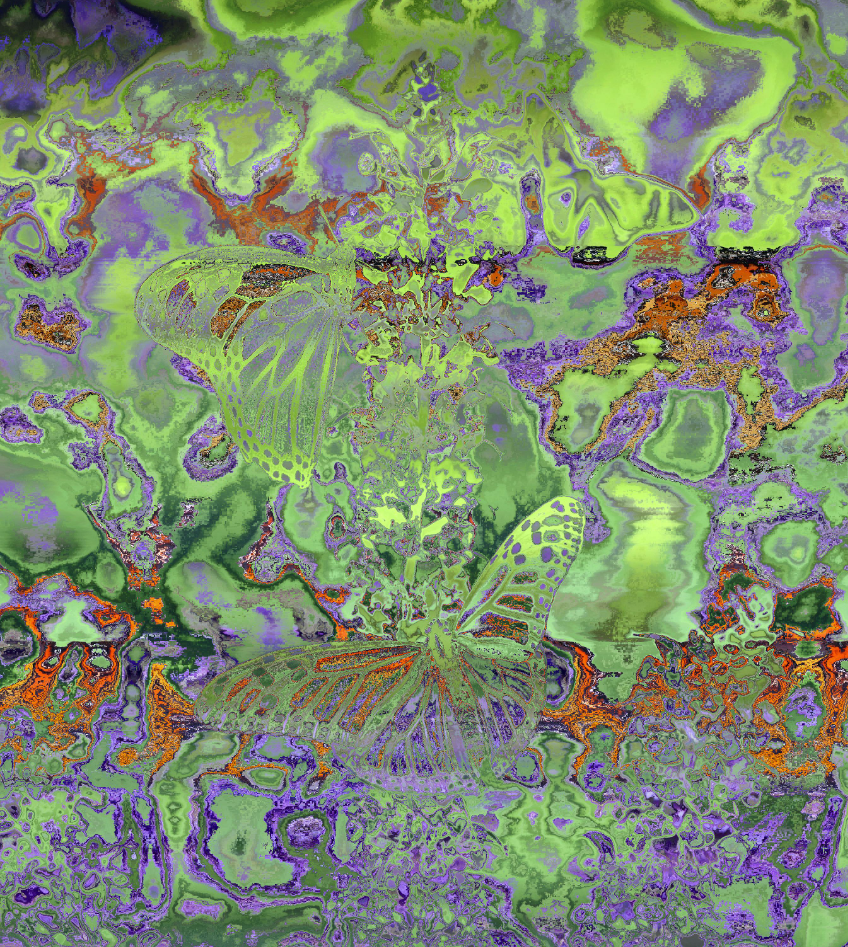
Even with the issue, I think the result is interesting. Especially since you can still see the butterfly outlines in the sorted output.


